Vibe Coding: How Useful Is It For Newsroom Projects?
,AI-assisted code editors promise to let anyone develop software, even without a technical background. Data journalist Rodrigo Menegat Schuinski tried it out and created an internal data visualization tool. The results are mixed.
Vibe coding is trendy. If you haven't heard the term before, it means developing software by writing instructions to a generative AI chatbot instead of doing the hard work of coding yourself. The claim is that anyone can create complex technological projects, regardless of technical skills. I recently decided to put this notion to the test: It sounded too good to be true.
There was certainly some personal offense in my hesitancy: I'm a journalist that knows how to code. This means that my humanities-friendly, STEM-averse brain struggled for ages learning how to program without the guidance of a seemingly magical AI-assistant. How come people are now able to develop stuff without suffering like I did? There's no way, right?
I have to say, in the end, I was surprised. In a little over two months, using Cursor, I managed to create an internal tool for DW's data and infographics team: a website that converts coordinates, such as the locations of wildfires, into hexagonal maps for our chart-making tool Datawrapper.
It worked, yes... But before you get too excited, I still think that my initial skepticism was somehow granted. Let me take you back.
The Problem
Every summer, Europe faces the wildfire season, which is getting longer and more intense as the climate warms up. To cover that, DW's data team often uses NASA's Fire Management Information System (FIRMS), which detects fires via satellite and returns coordinates.
Perfect for mapmaking, right? Well, there's a catch.
Every day, FIRMS detects tens of thousands of fire spots. The resulting files are too big, there are too many fire points, and Datawrapper is unable to handle them.

The Old-Fashioned Solution
Collectively, the Data and Infographics team came up with a way to visualize such a high number of points: instead of showing each individual dot, we cluster data into hexagons.
I had previously used this approach to show the distribution of trees and population in Asian cities, another situation with way too many data points. Instead of using the individual position of each point, the trick was to use just a few hundred hexagons, each one containing information about how many points are inside them. Such hexagons are small enough to be loaded and stylized with Datawrapper.

To check if this approach would also work for the fire maps, I quickly adapted the code behind the Asian city maps – with success! However, this required adapting a Python script for each produced map – which means that only people with coding skills are able to create them. Over time, this can cause requests for such maps to pile up on our desks, defeating our goal of quickly tracking wildfires.
The ideal scenario would be to have a no-code tool with a visual interface that allows anyone to complete the necessary steps: uploading fire data, selecting an area of interest, creating hexagons, previewing them, and exporting the results.
Technically, this was feasible. I know how to code, and I had an idea of what I wanted to build. However, the project would've taken too long, and the fire season was close.
The Quick Win
At the time, I was hearing wonders about Cursor. And although I was wary of the concept, this seemed like the perfect opportunity to give vibe coding a try.
Cursor looks like a normal code editor: a dark-background notepad with colorful letters, just like those used by hackers in stock photos. The difference is that it also has a chat window through which the user can interact with an AI. The model knows the content of all files opened in the current project, so it's always aware of the current state of the program you're working on.
The AI replies come in ask or agent mode. The former is just like talking to ChatGPT: it'll spit out a wall of text with a direct answer to any question. The second mode is the game-changer: the model writes directly into the project files, implementing the program without any direct action by the user. That is vibe coding.
I started with a short project description, requirements, and the JavaScript modules that I wanted to use for the job. The code didn't come out fully working, but the result was already a good outline of what I wanted to achieve. After some back and forth, I ended up with a functional proof-of-concept in little more than a week – without writing any code myself.
It was still far from a polished, user-friendly product, but it was good enough for me to commit to it. Me and my new AI buddy would take this to the finish line. Over the next weeks, I'd become as excited about vibe coding as a tech bro in a podcast, and as scared about my professional future as I imagine copyist monks were after the invention of the printing press. Then my skepticism reared its head again.

First Magic. Then Pain.
I don't have the exact prompt anymore, but I vividly remember asking Cursor in a very short paragraph to refactor the project, organizing it in consecutive steps to make it more user-friendly. The tool then started shuffling files and writing furiously, and when it was done, I was taken aback.
The results came out working flawlessly, with even more structure than I originally conceived. It implemented advance and return buttons, clear feedback for errors, and had even decided on a color palette, typography, and UI standards for itself. I had to polish some edges and work on the interface text, but it was still impressive.

With a fully functional structure, all that was missing now were minor enhancements and tests to make sure everything ran smoothly. After getting feedback from colleagues, the plan was to add a couple of new functionalities, e.g. country borders for the map area, previews and filters for the uploaded data, and customized hexagon colors.
That wouldn't take too long, right?
Turns out it would. Stitching new functionalities into existing projects isn't something that Cursor does smoothly. As the program became more complex, bugs multiplied, the code architecture became messy, and I had to intervene the old-fashioned way. I didn't rewrite the entire thing, though. I still relied on Cursor for most of the implementation. However, the way I partnered with the model changed.
Before, I acted like a project manager, setting up specifications, delegating tasks, and checking if the output was good enough. Now, I had to program it, even if I wasn't the one writing all the code. I had to sketch down the precise way in which each function would interact with another, review their inner workings, and sometimes correct AI-induced errors.
In the end, everything worked fine. But without prior experience, I would've certainly hit a dead end.

The Verdict
So, what do I make of this experience?
Without the AI's helping hand, I wouldn't have been able to finish the project in such a short time. Cursor proved to be very useful for getting a proof-of-concept done quickly, which is important when coding in such a time-pressured industry as journalism. It also helped me push ahead with a minimum viable product (MVP) that could be tested and receive user feedback. However, as complexity increased, AI became a hurdle, and I had to put my programmer hat back on. I probably would've saved time if I'd taken this modular approach earlier.
My verdict is that, for now, my job is safe. All that time spent studying computer science wasn't a waste.
Author: Rodrigo Menegat Schuinski
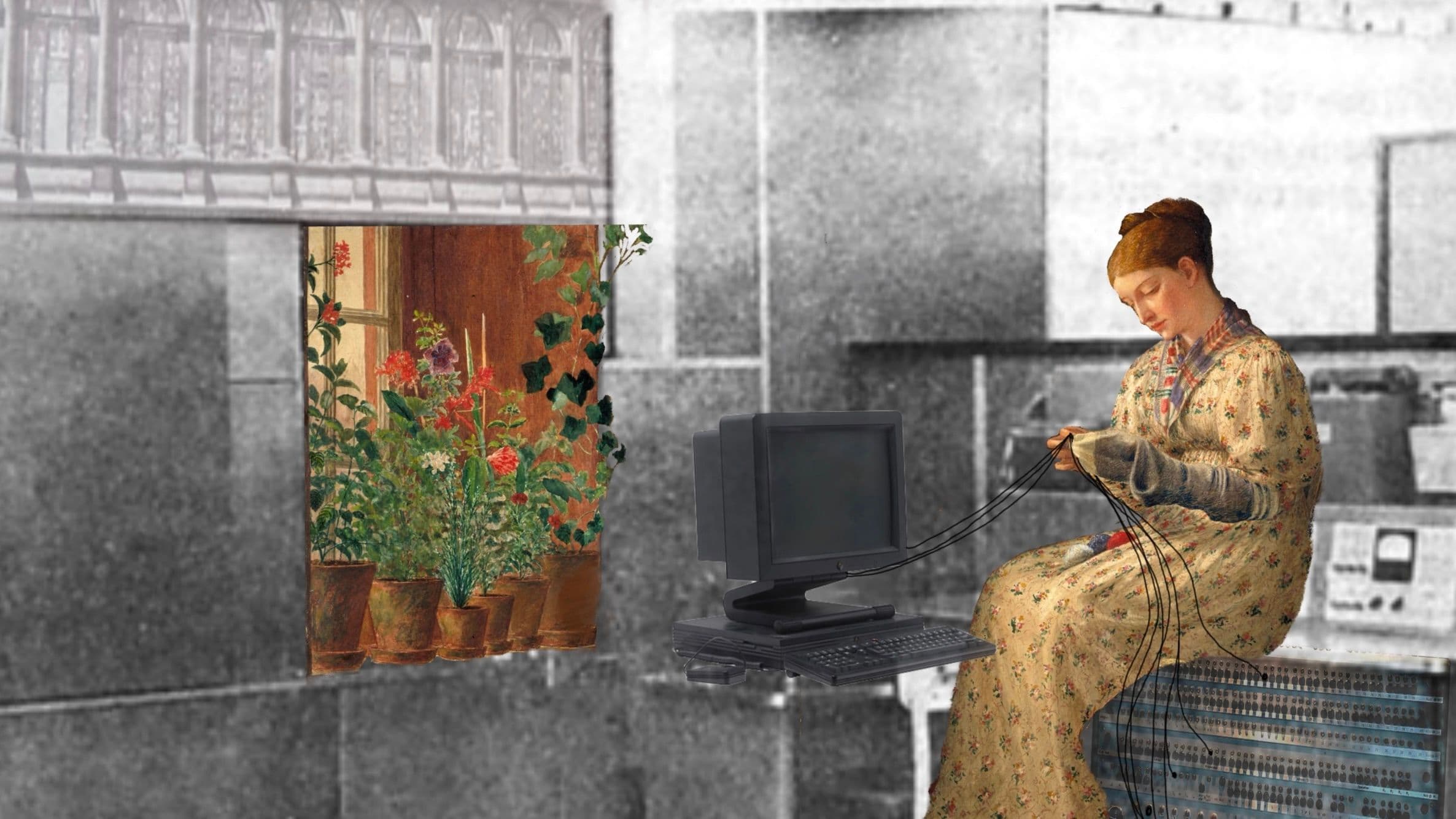
Header Image Source: "Pas(t)imes in the Computer Lab" by Hanna Barakat & Cambridge Diversity Fund https://betterimagesofai.org/images?artist=HannaBarakat&title=Pas(t)imesintheComputerLab / https://creativecommons.org/licenses/by/4.0/.